This needs to be done when you first get your DocuSign account OR if you've previously set this up but get an error when trying to send a contract through DocuSign. For some reason, users keeping losing their Procore-DocuSign link for no apparent reason. Luckily, the fix is easy. Follow the steps below, the process is similar in either case.
Login to your DocuSign account. In a separate tab, login to Procore.
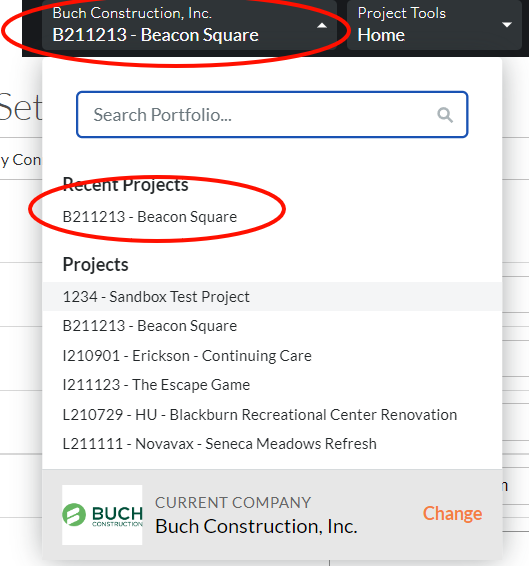
Select a Project. It doesn't matter which project but you must be in a Project for this to work (it's a Procore glitch).
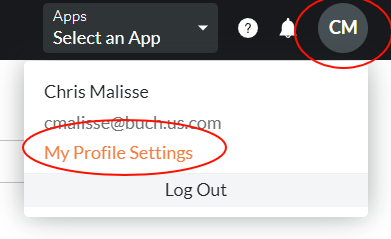
Click on your initials in the upper right corner and click "My Profile Settings"
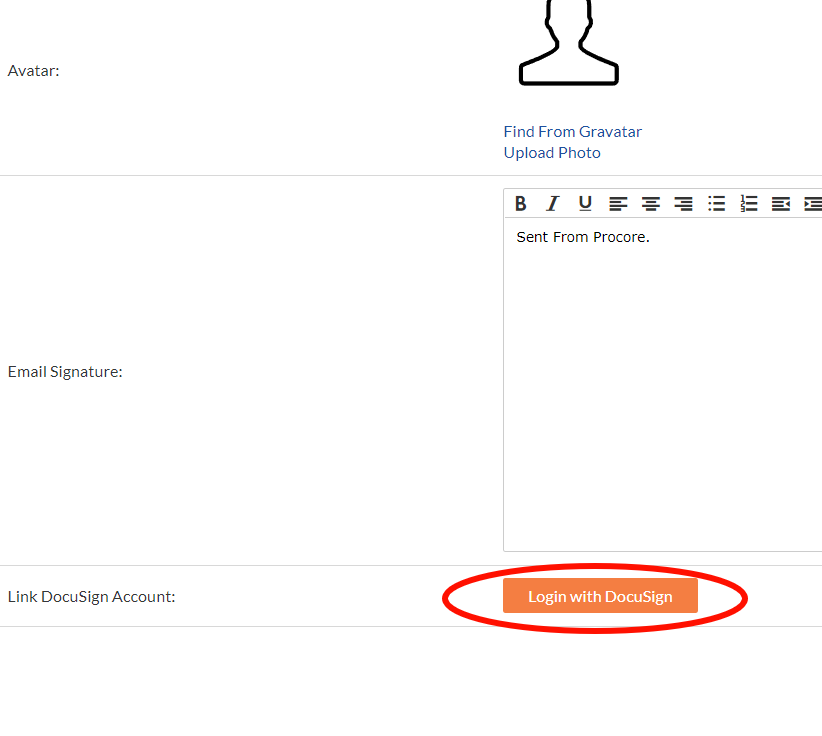
Scroll to the bottom where you'll see "Link DocuSign Account".
If you've already done this before, it will show "Synced" with a red X. Click the red X to remove the broken link between Procore and DocuSign.
Now click "Login with DocuSign"
This button will take you to DocuSign to give Procore permission to your DocuSign account. If this is your first time, you'll be prompted to click "Allow Access"
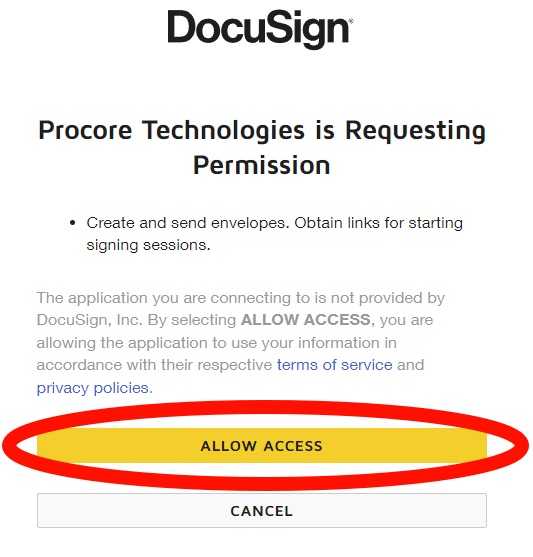
If you've done this before, DocuSign has already given Procore permission and you'll just be taken back to Procore and your account will be re-linked.
Done!